Reduce visible eye movement.
Read naturally on the first take.
Kite Prompter helps keep your gaze closer to the camera lens and adapts to your reading speed. Get through your script without rewinds and retakes.
30 minutes of free playback · No card required
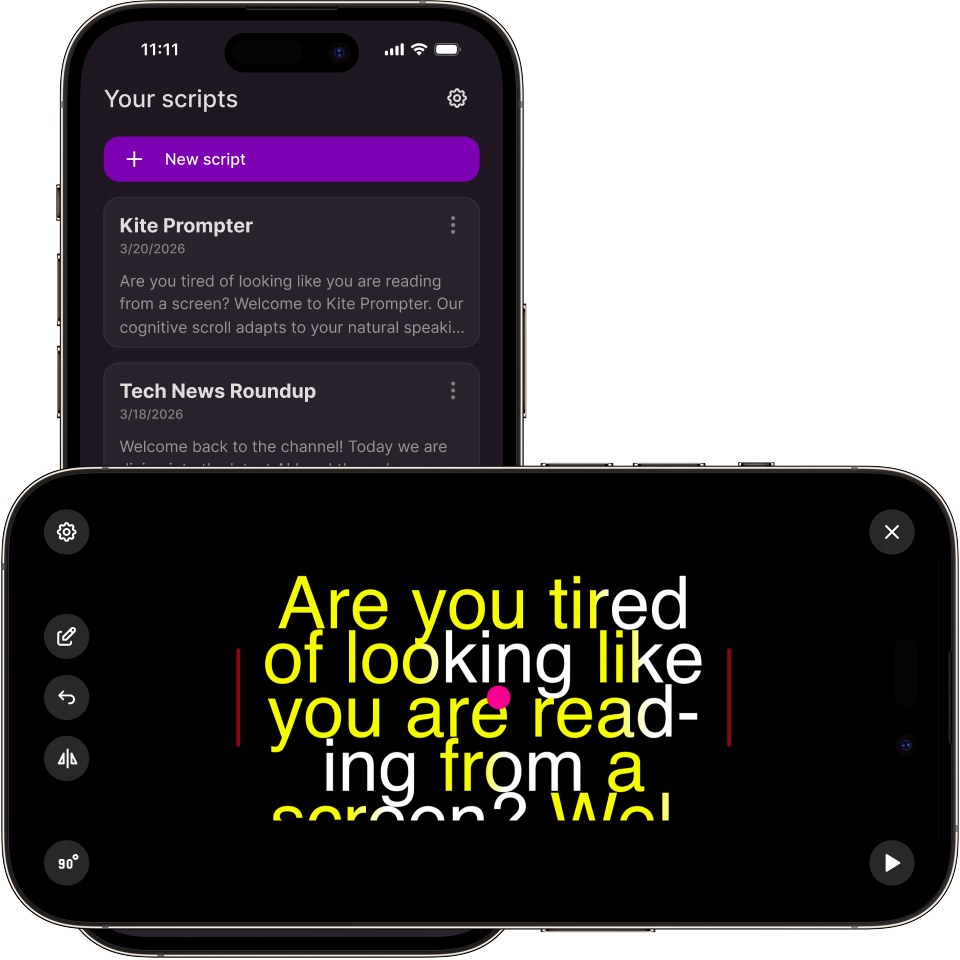
Mobile apps are in private beta. Start free in the web app.
Why standard prompters ruin videos
Visible eye movement
The speaker's eyes constantly dart left and right across the screen. The audience subconsciously realizes they are just reading a script.
Ruined takes & rewinds
Fixed-speed scrolling breaks down around difficult phrasing or numbers. You stumble, the text is gone, and you have to rewind and record again.
Mirror rig nightmare
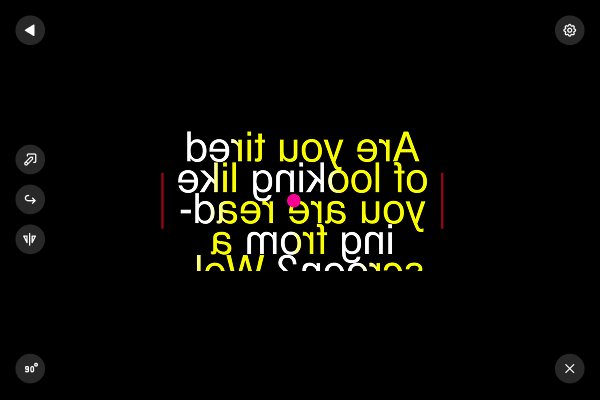
When the screen is mirrored for the camera glass, the UI controls flip as well. Changing settings becomes an unbearable blind puzzle.
How Kite Prompter fixes this
Cognitive Scroll
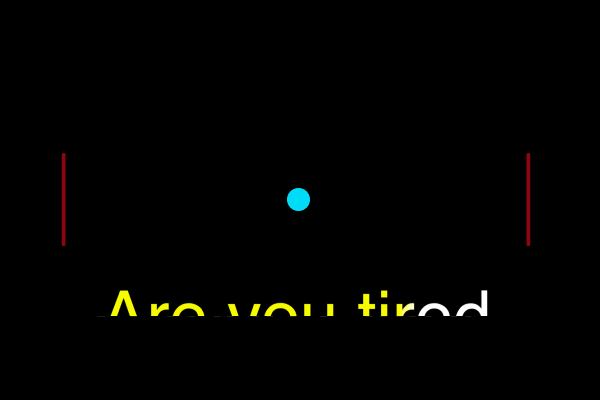
Read on the first take. Set your base pace (WPM), and the system adapts. It pauses naturally on punctuation and slows down on long words, numbers, and abbreviations.
Focus Highlight
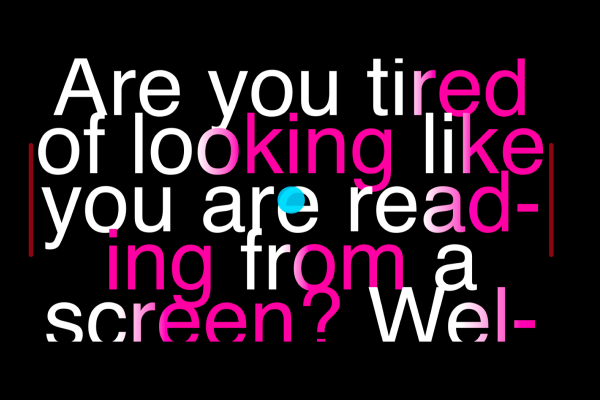
The first 35% of every word is highlighted to make each line easier to pick up quickly, helping you read with less scanning.
Center Dot & Margins
A bright dot gives your eyes a stable center target near the lens. Narrow the reading window to reduce horizontal eye tracking.
Smart Mirror Mode
The text is mirrored for the rig glass, but UI controls rotate intelligently so you can operate the app easily while the phone is mounted.
Cloud Sync & Remotes
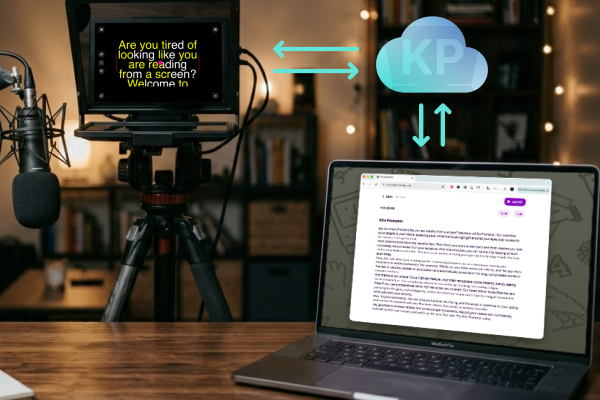
Phone under the camera? Edit the script live from your laptop. Control playback using clickers, pedals, or 8BitDo controllers.
Simple pricing
Prices in USD. Taxes included or added according to your location. Final total shown before payment.
Free
- Up to 3 scripts
- Basic playback
- Basic controls
- 30 mins of full PRO trial
PRO
- Cognitive Scroll
- Focus Highlight
- Center Dot & Margins
- Smart Mirror Mode
- Future workflow features
Team
- Shared scripts
- Editor-Presenter workflow
- Cross-account sync
- Team management
How the trial and free mode work
Start free
Create and edit scripts right away, then launch them in the web player. No credit card needed.
30 minutes of PRO
Get a real playback trial. It's measured by your active reading time inside the player, not by calendar days.
Stay Free or go PRO
Basic playback and your scripts stay free forever. PRO web billing is being connected through Paddle.
Frequently Asked Questions
Web billing is being prepared through Paddle, but checkout is not live yet. You can create scripts and use the web player now.
Not yet. App Store and Google Play subscriptions are planned later. The first billing option will be web checkout.
Free mode stays available forever. You keep all your scripts and basic playback. PRO is only required if you want the advanced reading tools back.
No. You can create an account, write scripts, and test the PRO features for 30 minutes without entering any payment details.
Once billing is live, PRO subscriptions renew automatically. You will be able to cancel future renewals through Paddle subscription management or by contacting billing@nclear.pro. Cancellation stops future renewals but does not automatically refund the current paid period.
Ready to nail it on the first take?
Start free. Try the cognitive scroll and focus tools. Upgrade only if they make your workflow faster.
Mobile apps are in private beta. Start free in the web app.